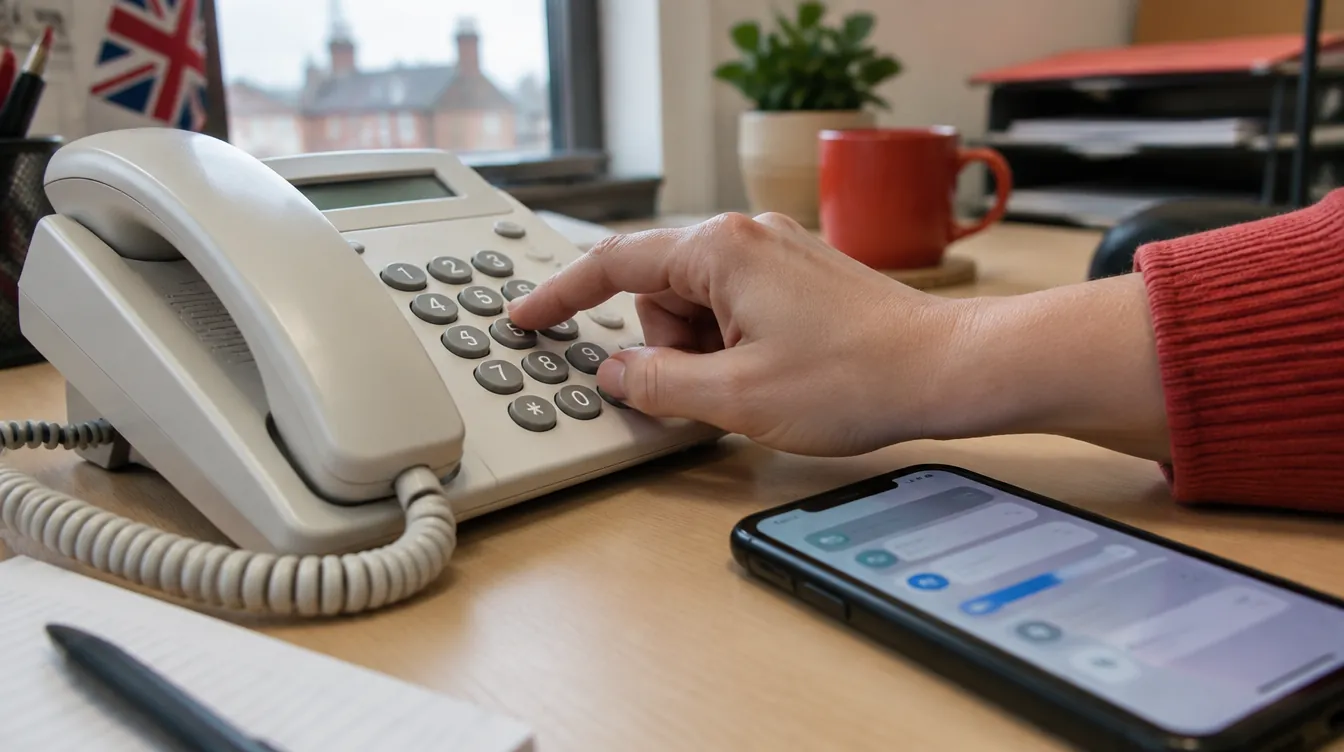
You divert business calls by setting call forwarding on your existing line to the number your answering service gives you. On a BT landline, press *21* followed by the number and # to divert all calls. On a mobile, use Settings > Call Forwarding or a code such as **21*number#. Cloud and VoIP systems have forwarding rules in their app or admin portal.
Diverting your calls is the step that actually switches an answering service on. It sounds technical, but on most UK phone lines it comes down to a short code typed into your handset or a setting in an app. You keep your number, and your callers dial exactly as they always have.
Which method you use depends on your phone system, and on whether you want every call answered by the service or only the ones you cannot reach. This guide covers both decisions, step by step.
First, decide which calls to divert
Before you touch a keypad, choose the type of divert that matches how you want to work. There are four common options:
- All calls: every call goes straight to your answering service. This gives you full cover and suits owners who are rarely at a desk.
- No answer: your phone rings first, and the call diverts if nobody picks up after a set number of rings. This is overflow cover.
- Busy or engaged: calls divert when you are already on the line, so nobody hears an engaged tone.
- Scheduled: calls divert at set times, such as lunchtimes or after hours.
If you only want help when things get hectic, our guide to using a call answering service only when you are busy explains overflow in more detail. For evenings and weekends, see what happens to your calls outside office hours.
How to divert a BT business landline
On BT phone lines, call diversion is an added feature, so check it is active on your line first. Once it is, you use a simple pattern: press *, the divert code, *, the number to divert to, then #. To cancel, press #, the divert code, #. To check whether a divert is on, press *#, the divert code, #.
| Divert type | Code | Switch on | Cancel | Check |
|---|---|---|---|---|
| All calls | 21 | *21*number# | #21# | *#21# |
| No answer within 15 seconds | 61 | *61*number# | #61# | *#61# |
| Line engaged | 67 | *67*number# | #67# | *#67# |
When you pick up the handset, an intermittent dial tone tells you a divert is switched on. BT charges the diverted leg of the call at standard dialling rates, so factor that into your costs. Full instructions are in BT Business's call diversion help article. If your landline is with another provider, check their help pages, as codes and charges can differ.
How to divert a business mobile
Many sole traders and tradespeople run their business from a mobile, and diverting one is just as quick. You have two options.
- Use your phone's settings. On iPhone and Android you can switch on call forwarding in your settings. EE's business help, for example, describes the route as Settings > Call Forwarding. Enter the answering service number and save.
- Use a GSM code. Codes such as **21*number# (all calls) and **61*number# (no answer) are widely used on UK mobile networks. Type the code with your answering service number in place of "number", then press call.
A no-answer divert on a mobile is popular with anyone who works on site. The phone rings in your pocket, and if you are up a ladder or driving, the call is picked up by a real person instead of voicemail. See how this works for construction firms and trades.
How to divert on a cloud or VoIP phone system
Cloud and VoIP phone systems usually have divert or forwarding rules in their app or admin portal. These are often more flexible than landline codes, because you can combine conditions. The steps are broadly the same across systems:
- Log in to your phone system's app or admin portal.
- Find the forwarding, divert or call rules section.
- Choose the number or user you want to divert.
- Set the condition: all calls, no answer, busy, or a time schedule.
- Enter your answering service number as the destination and save.
Scheduled rules are especially useful here. You could keep calls with your own team in the morning and divert everything over lunch, for example.
Test your divert before you rely on it
A divert that has not been tested is a divert you cannot trust. Once it is set up, spend a few minutes checking it properly:
- Call your business number from a different phone and confirm it reaches the answering service.
- For a no-answer divert, let the call ring out and check it moves across.
- Check the call summary or message arrives where you expect it.
- Practise cancelling the divert, so you know how to take calls back yourself.
What happens once your calls are diverted
Once calls start arriving, the receptionist answers in your company name using a script tailored to your business. They can take a message, transfer the call to you or a colleague, book an appointment or follow whatever call flow you have agreed. Our article on tailoring call handling to your business needs shows how that script is built.
After every call, Onwards Answering sends you a call summary by email or SMS, and messages can also go to the Onwards Answering Connect app and portal. Because you are diverting rather than replacing your line, you keep your existing business number throughout.
Getting set up with Onwards Answering
When you join, the team gives you the number to divert to and helps you choose between full cover and overflow for our call handling service. Calls are answered live during business hours, and an after-hours voicemail service is included at no extra charge.
You can try it with a free 2 week trial, then plans start from £72 per month with no per-call charges. See the prices and plans, or contact the team and they will talk you through the divert for your phone system.
Frequently asked questions
Is call forwarding the same as call divert?
Yes, in everyday use the two terms mean the same thing. Both send calls made to one number on to another. BT and many landline providers call it call diversion, while mobile phones usually label the setting call forwarding. Cloud and VoIP systems may use either term, or call them forwarding rules.
Does diverting calls cost anything?
It can. On BT lines, call diversion is an added feature, and the diverted leg of the call is charged at standard dialling rates. Other landline, mobile and VoIP providers set their own charges, so check your tariff. This is separate from whatever your answering service charges.
How do I know if my calls are being diverted?
On a BT landline, you will hear an intermittent dial tone when you pick up the handset. You can also check by pressing *#, the divert code, then #. On a mobile, look in your call forwarding settings. The simplest test is to call your number from another phone.